Satellite Comparison: How a Territory Has Changed, Year After Year
    What is it?The 8 layersThe MethodsCosts and Uses

    Satellite Comparison: How a Territory Has Changed, Year After Year

    How much has a forest, a field, or a neighbourhood changed? With iLoveNatura's Satellite Comparison, you can juxtapose satellite images from different years and examine vegetation, water, temperature, and land use, using Sentinel and Landsat data. Free of charge, to see the passage of time from above.

    Read the article
    04/06/2026Of 3Bee, 3Bee
    104 Views
    04/06/2026Of 3Bee, 3Bee
    104 Views

    Comparing the before and after of a territory

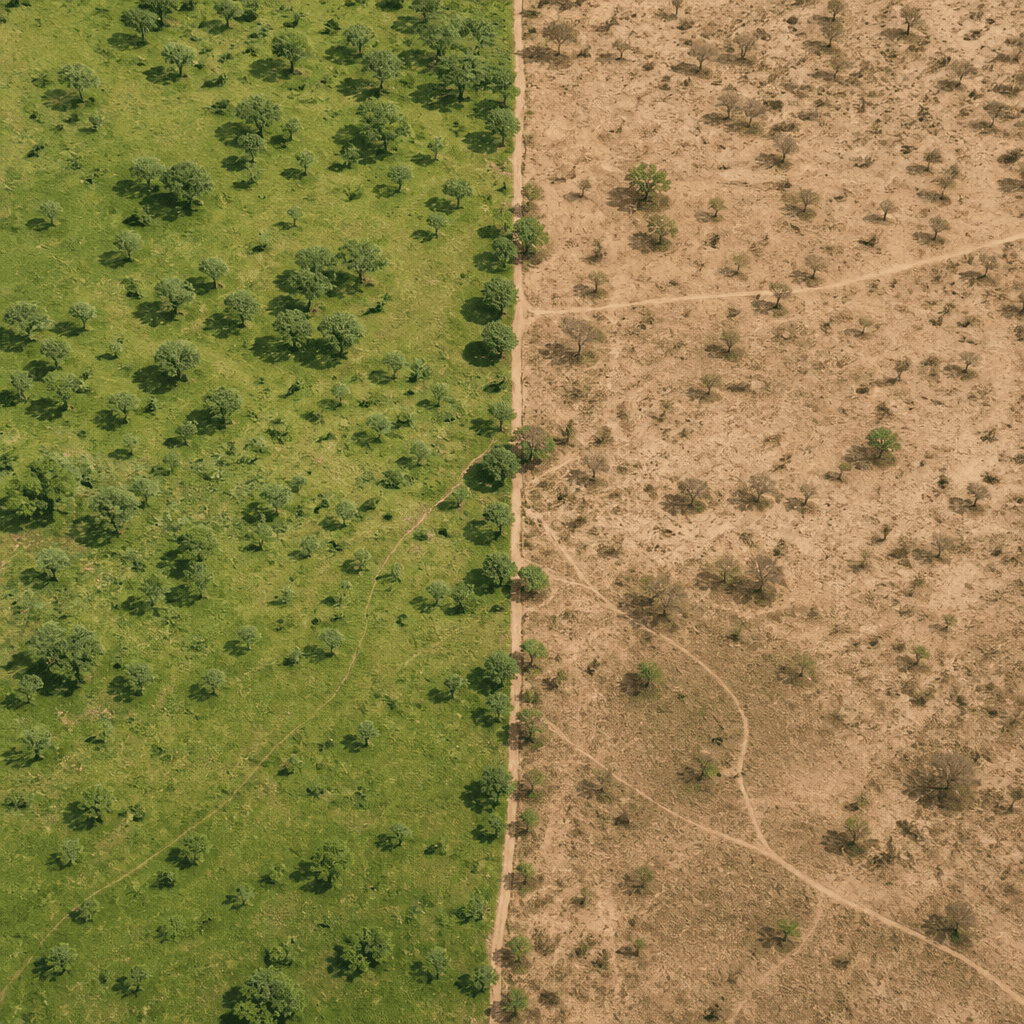
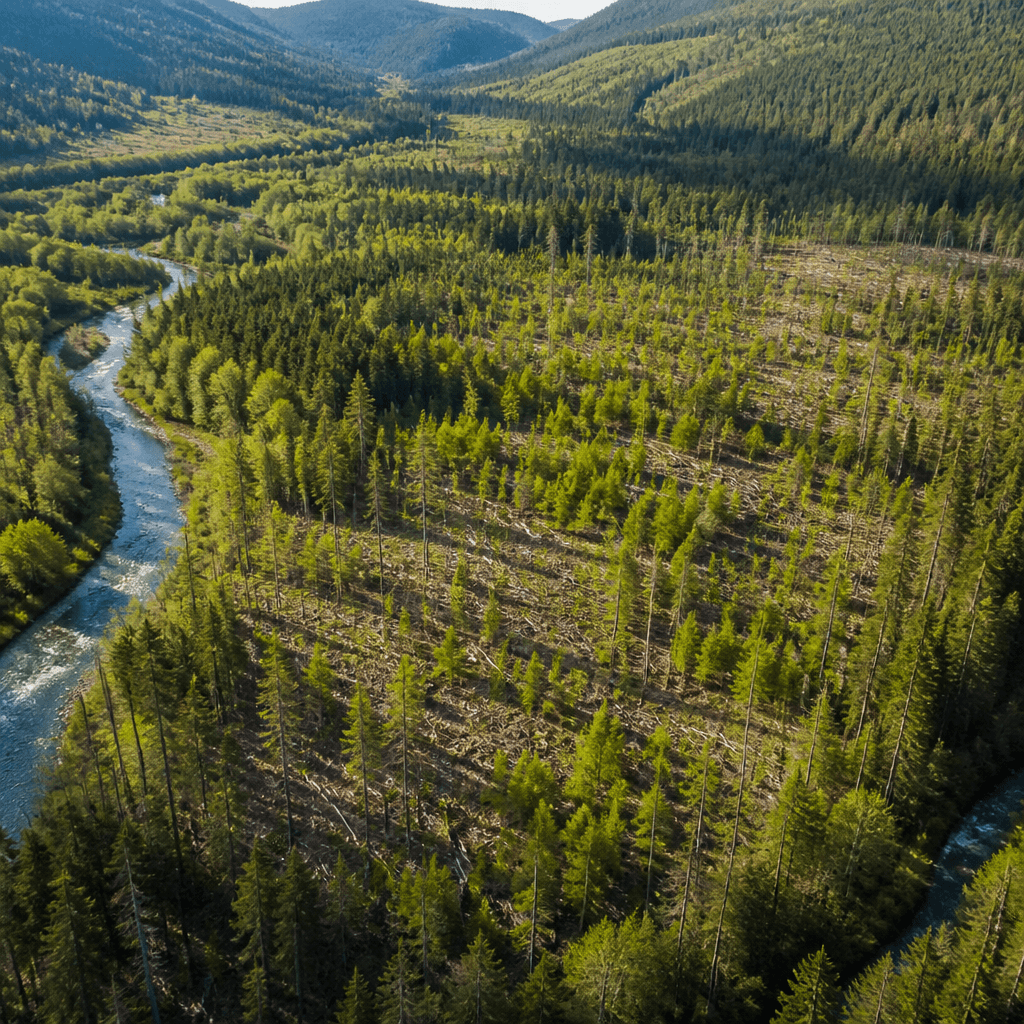
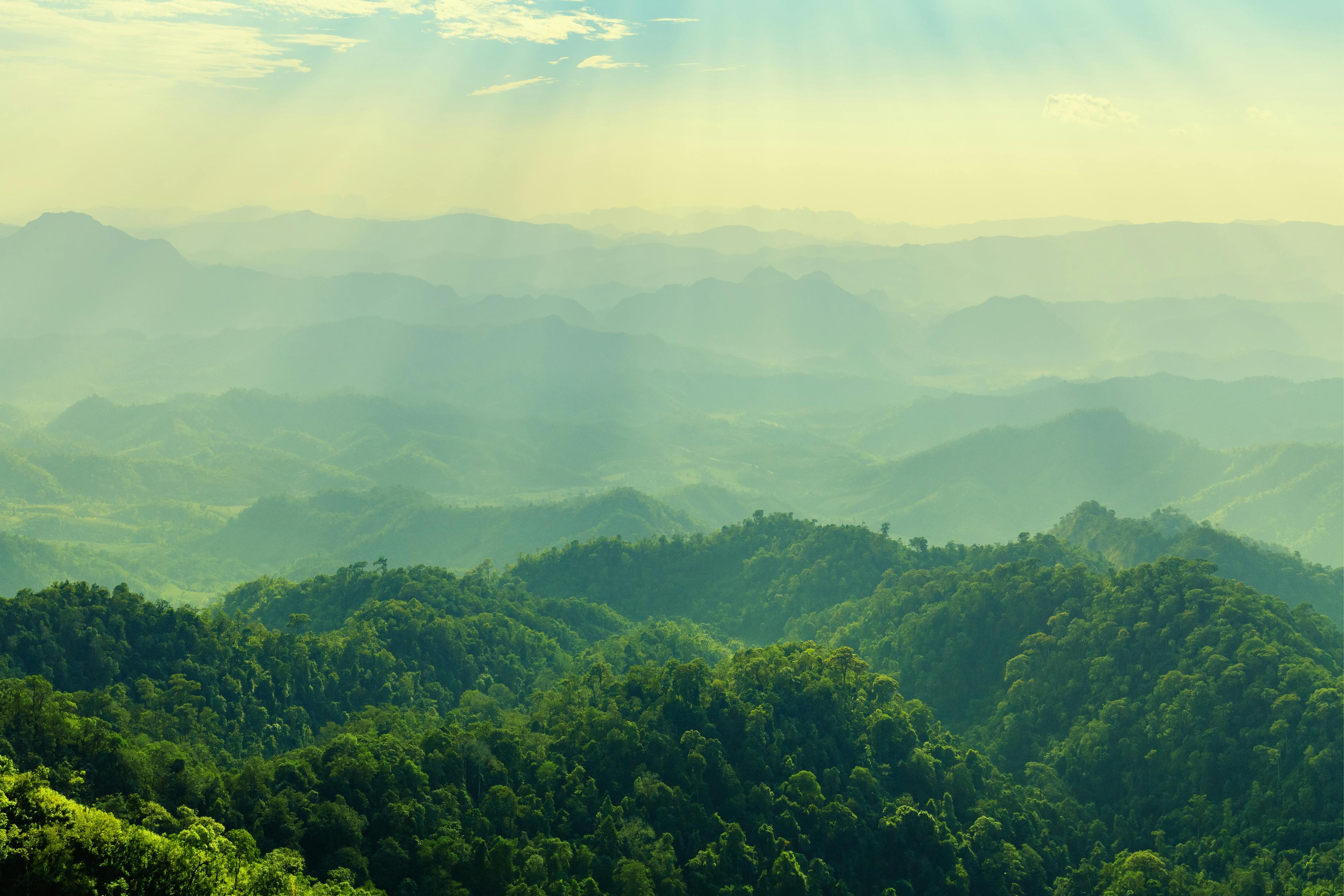
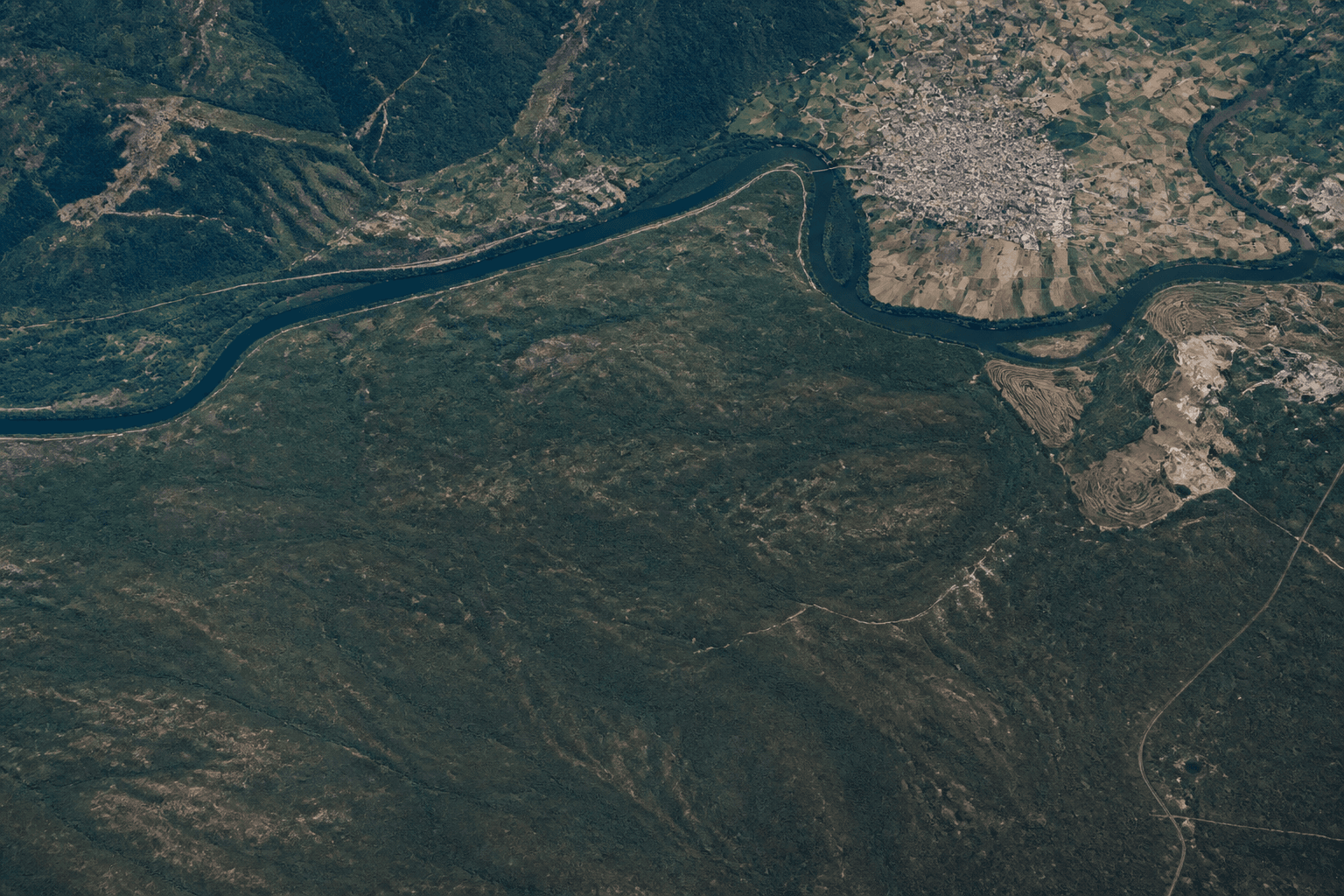
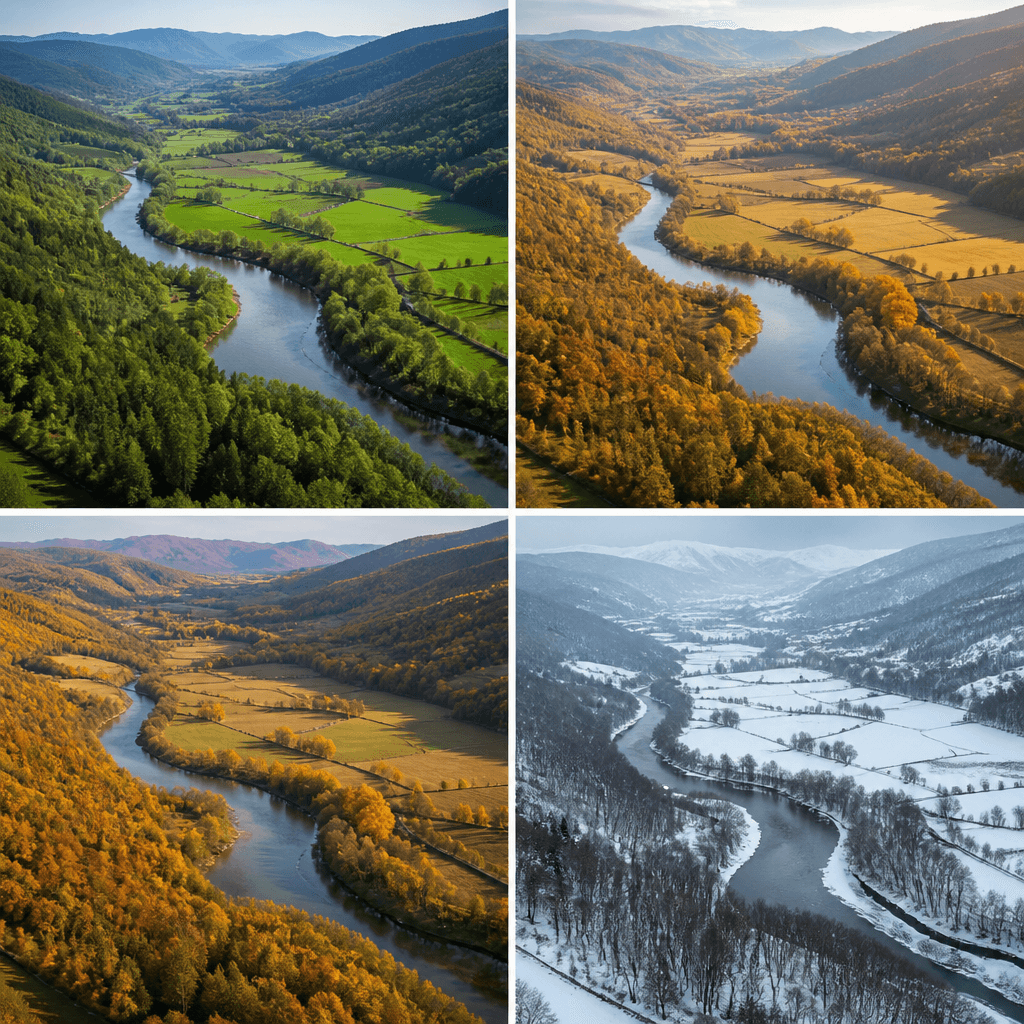
    Satellite images tell a story that the naked eye cannot see: how the landscape changes over time. The Satellite Comparison by iLoveNatura was created precisely for this purpose, to juxtapose shots of the same place in different years and understand what has happened to a forest, a river, a cultivated field, or an urban area.

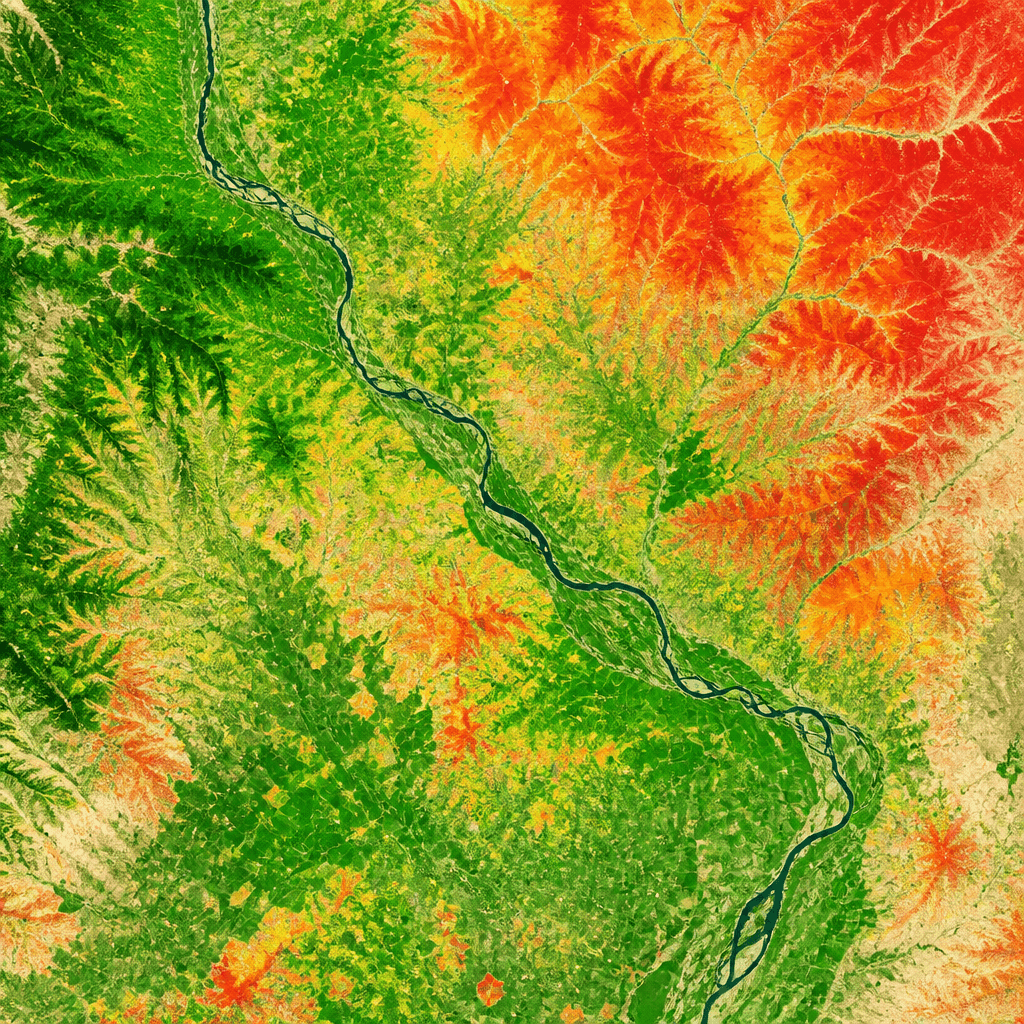
    The tool works in two ways. In the temporal comparison, you choose a single indicator, such as the health of the vegetation, and track it over two to six different years. In the spectral comparison, on the other hand, you fix a year and juxtapose different indicators to view the same place from multiple perspectives at the same time.

    You don't need to be an expert in remote sensing: select an area on the map, choose what you want to see, and the tool prepares the comparison. The available images start from 2017 and go up to the current year, allowing you to build a true timeline of the landscape.
    Comparing the before and after of a territory

    Eight ways to view the Earth from above

    The core of the tool consists of the eight types of layers that you can compare. Each one shows a different aspect of the territory:
    • RGB: the true colour image, as our eye would see it from above.
    • NDVI: the health and vigour of the vegetation.
    • NDWI: the presence of water and water bodies.
    • NDMI: the moisture of the vegetation.
    • LST: the daytime surface temperature.
    • Night LST: the temperature at night.
    • Light pollution: the nocturnal radiance of artificial lights.
    • UTFVI: urban heat islands.
    By comparing them, you can see how vegetation has thinned after a fire, how a reservoir has shrunk during a dry summer, or how urban heat has increased around a city. Some more complex layers, such as Night LST or UTFVI, require a few more minutes to be generated.
    Eight ways to view the Earth from above
    XNatura

    Grid, Swipe, Timeline and Opacity compared

    Once you have selected layers and years, the tool offers you four ways to view the comparison, each useful in a different situation:
    • Grid: all layers side by side, with synchronised movement and zoom, ideal for an overview.
    • Swipe: two overlapping images with a divider that you drag back and forth to immediately grasp the differences.
    • Timeline: an animation that scrolls through the years, perfect for temporal comparisons.
    • Opacity: two layers merged together with a transparency slider, to bring out the details.
    Swipe and Opacity work on two layers at a time, while the Timeline is designed for the temporal mode. It is the simplest way to transform satellite data into an immediate visual narrative, which speaks even to those who have never opened GIS software.
    Grid, Swipe, Timeline and Opacity compared

    How much does it cost, how is it shared, what is it for?

    The tool is free to try: as soon as you register, you receive 10 credits, and each combination of a layer for one year costs 0.4 credits. A temporal comparison of an indicator over four years therefore costs about 1.6 credits. Without registration, you can analyse areas up to 100 hectares; with a free account, the surface limit disappears.

    Each completed comparison generates a shareable link: the recipient can explore all views, from Grid to Swipe, from Timeline to Opacity, without consuming credits. Convenient for showing a colleague, a class, or a client how a place has changed.

    There are many uses: monitoring the recovery of a forest, documenting land consumption, tracking the drought of a basin, illustrating urban expansion, or preparing materials for environmental projects. If you work in nature, territory, or dissemination, it is a concrete way to add value to satellite data and truly see the passage of time.

    How much does it cost, how is it shared, what is it for?
    XNatura
    04/06/2026Of 3Bee, 3Bee
    104 Views
    Newsletter
    newsletter
    Subscribe to the Blog about bees and biodiversity